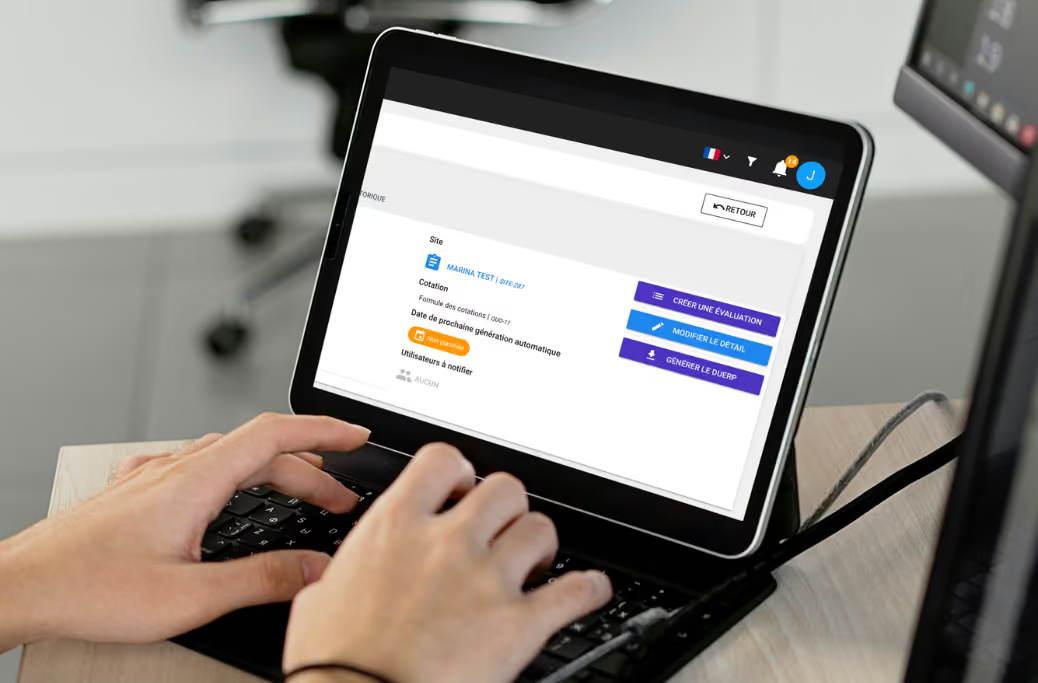

Are you responsible for building safety or an facility operator? Are you already a registesecurite.com client, or are you looking to digitize the management of your buildings and safety logs? We invite you to discover our new mobile app!
What makes the operator mobile app different?
In developing our operator mobile app, just as with our first app, we wanted to offer you a simple and intuitive interface. User experience is at the heart of our approach, and we aim to make your life easier every day.
That is why we have maintained the same ergonomics as the web solution, using the same color codes and call-to-action buttons.
With our app, you can sign the safety log, have your contractors sign it, and manage all building anomalies in just a few clicks.
Day after day, we develop solutions tailored to your needs.
How does the operator mobile app simplify signing the safety log?
From a smartphone or tablet, you can sign the safety log in just a few clicks. For managing interventions, there is no longer any need to log in to a computer or search for a paper safety log. Now, you can sign the safety log directly, wherever you are.
With the Deemply operator mobile app, you save time and ensure your safety logs are always up to date. By installing our app on your smartphones or tablets, you can have your contractors sign without delay. It complements the contractor extranet app we launched a few weeks ago.
When you select a log, you can only interact with activities that have a scheduled intervention. This prevents errors and allows you to access information easily without having to scroll unnecessarily to find the relevant activity.
Access safety logs via geolocation
Our team has developed the ability for you to access safety logs via the geolocation of your smartphone or tablet. Thanks to this feature, accessing the list of interventions is simple. It allows you to see all safety logs available within a 500m radius.
Access safety logs via QR code
If you prefer not to use geolocation, you can access all activities by scanning a QR code displayed on your premises. This QR code can be downloaded in advance from the web solution. Once scanned, it allows you to select the activity linked to the safety log and finalize the signature in just a few clicks.
Access logs via lists
A third option is available for accessing safety logs: the list view. Like the other views, it allows you to access the various safety logs for which you have authorized access.
Two signature options
We understand that not all your service providers want to download the dedicated app or are able to do so. That is why our application allows you to sign off on work orders, while also enabling your providers to sign directly from your equipment.
When signing, you can choose to do it internally (yourself) or externally (via your provider). The signature process is virtually identical; in both cases, you can set the installation status, add observations, attach one or more photos, and sign off on the work. For internal signatures, you can also add a report from your smartphone or tablet.
How does the Deemply operator mobile app simplify building management?
Once you have access to the building management pack, you can use the Deemply mobile app to report and manage anomalies. From a smartphone or tablet, you can easily create reports for any malfunctions you encounter. You can then create one or more work orders directly from the solution.
Creating anomalies
Creating an anomaly takes just a few clicks in the Deemply operator mobile app. Once logged in, you can access the site where the anomaly was found via geolocation, list view, or a QR code.
It only takes 3 steps to report a problem. Different urgency levels are available to help schedule the appropriate response time. To complete the report, you can add one or more photos to illustrate the malfunction, providing the service provider with all the details needed for the intervention.
Managing anomalies
You can modify an anomaly directly from the mobile app. This feature is very useful, as all information can be updated in just 2 steps.
The operator mobile app combines two highly complementary features that allow users to keep a safety register up to date and ensure the building is perfectly managed. It revolutionizes and simplifies daily tasks thanks to its thoughtful user experience and streamlined design.
Discover all Deemply features
Watch our demo videos and discover the entire Deemply ecosystem.
Switch to paperless compliance
Safety register, DUERP, health booklet: the Deemply ecosystem centralizes your regulatory obligations and alerts you before deadlines.
.avif)

Good to know
Replace this text with the information you want to highlight.
Bon à savoir
Remplacez ce texte par l’information à mettre en avant.