


Create and publish your accessibility register effortlessly, for you and for your visitors
Ready-to-use templates, guided completion, automatic availability: Deemply simplifies the creation and distribution of your public accessibility register.












Deemply s'adapte à votre organisation
Deemply est pensé pour les professionnels qui ont des obligations réglementaires à gérer au quotidien, quel que soit leur niveau d'expérience.
.avif)

Start from a template or create your own
You get accessibility register templates already built with the key information, which you can edit and complete to reflect your buildings. You can also create your own templates if your needs are specific. Once the template is ready, you generate your register in two clicks: all that remains is to select the site concerned and fill in a few key details.
Complete your register without missing anything
A progress bar and a simple color code show you in real time how far along you are in filling it in. Saving is automatic, so you never lose any information. You then choose which items appear in the public summary for your visitors, and which are reserved for the competent authorities in the event of an inspection.
Make your register available to the public in one click
You download one QR code per site, to display at the entrance of your building: your visitors scan it and access your register directly from their smartphone. You can also provide a paper copy at reception, or embed the PDF and QR code on your website so your visitors can plan their visit in advance.
Keep your accessibility standards up to date
Non-compliant accessible parking space, worn outdoor path, insufficient signage contrast: you create your interventions in a few clicks and track their status with clear filters and a color code. Your service providers sign directly from their app after the intervention, without you needing to chase them.
Deemply covers all of your regulatory obligations
The accessibility register is one of the 9 modules available in Deemply. Manage your other obligations from the same workspace.

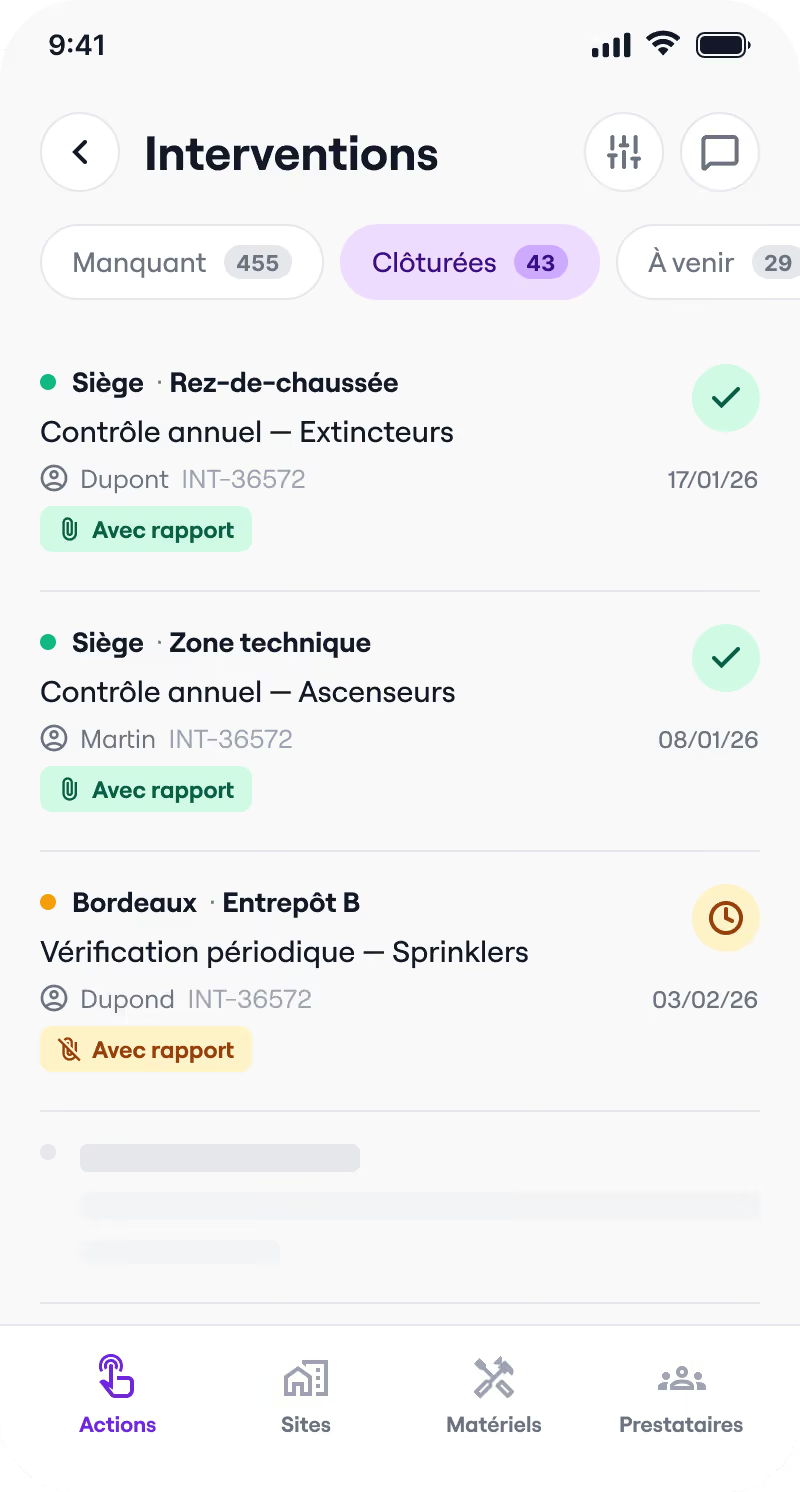

Safety register
Interventions, reports, training, commissions: everything that makes up your safety register is centralized and accessible in real time.
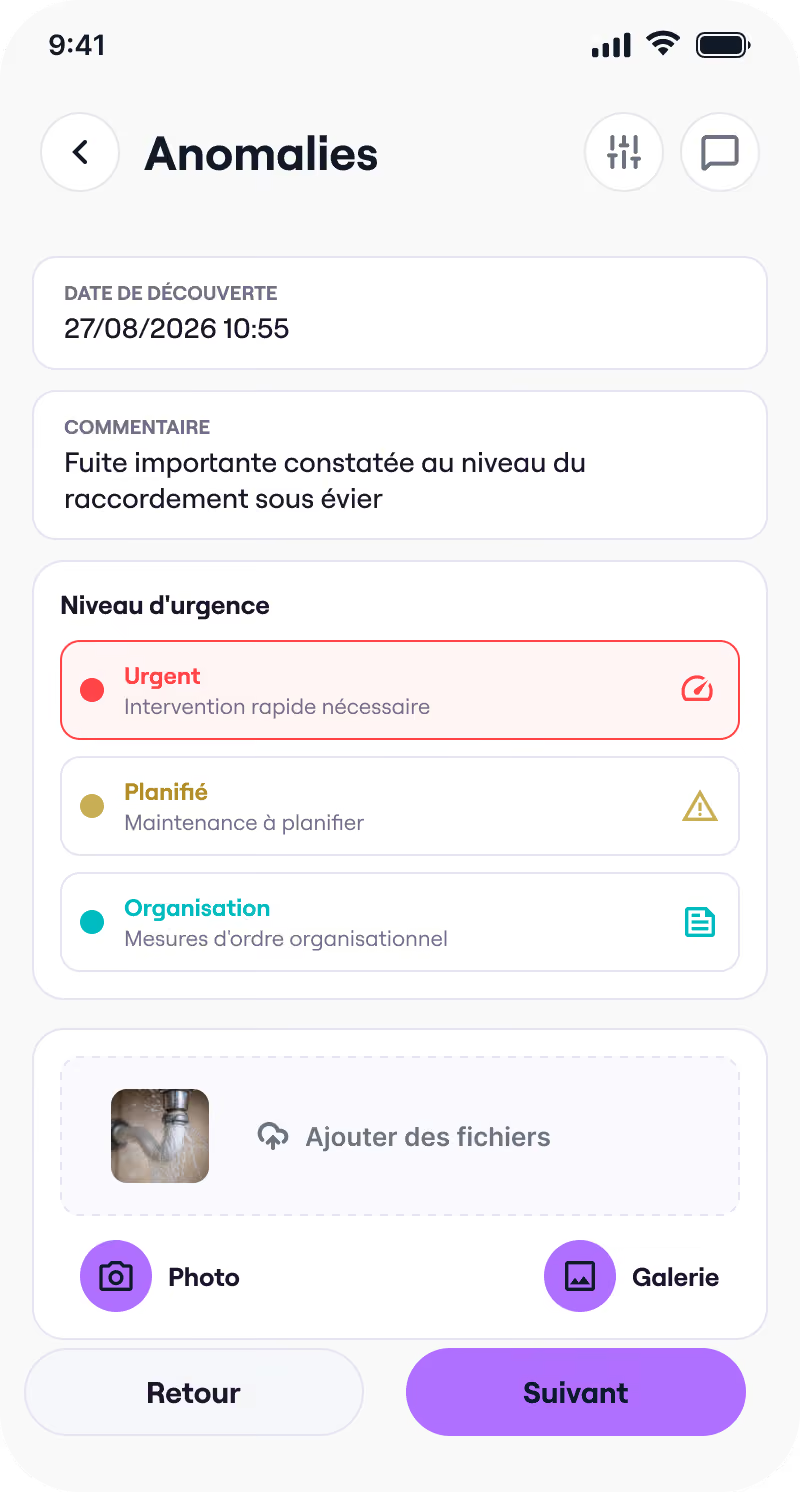

Building management
Anomalies, quotes, interventions, CERFA forms: centralize the management of your buildings and simplify your exchanges with service providers.
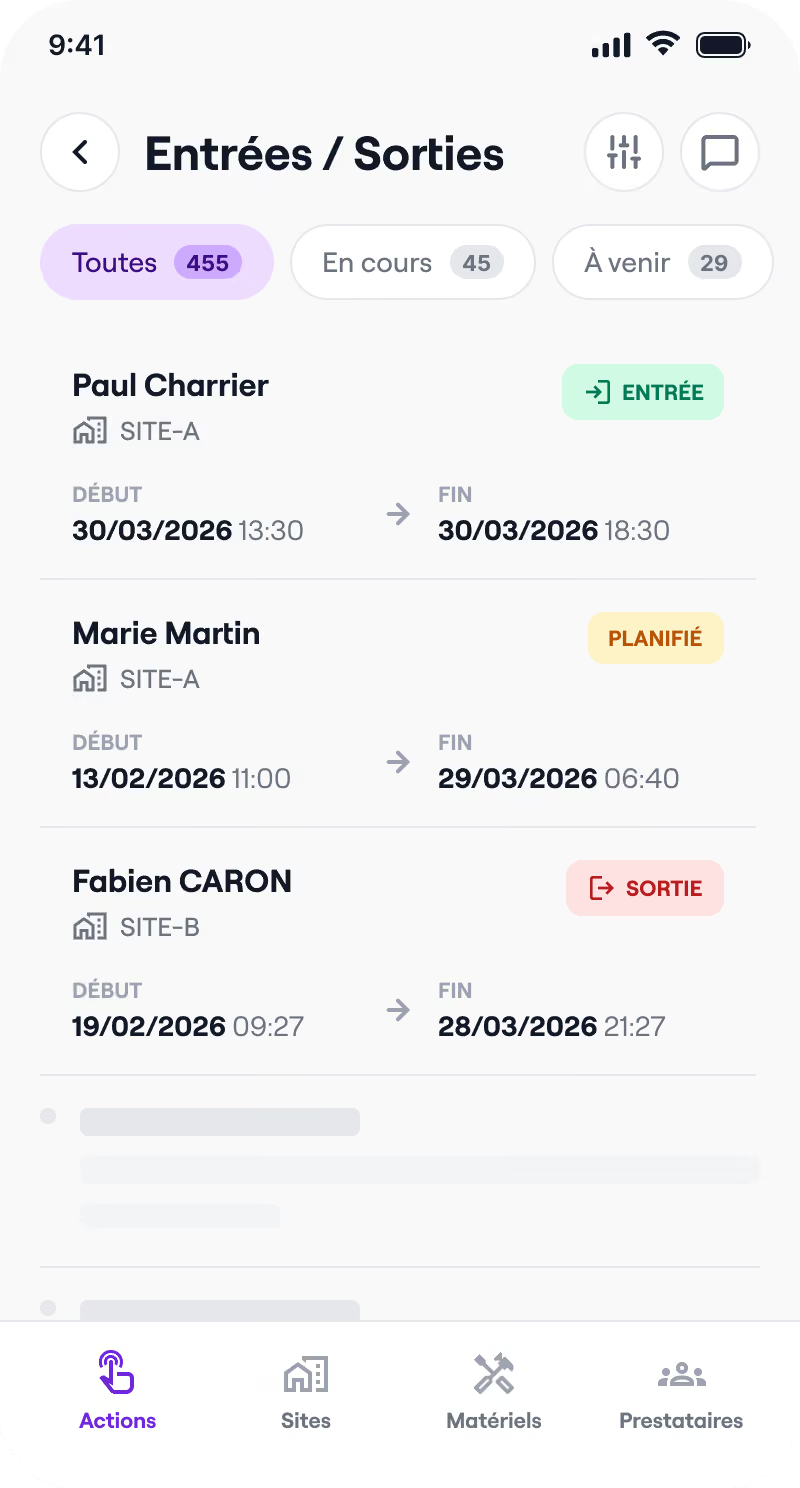

Visitor register
Track entries and exits, know who is on your premises, and act quickly in the event of an incident.
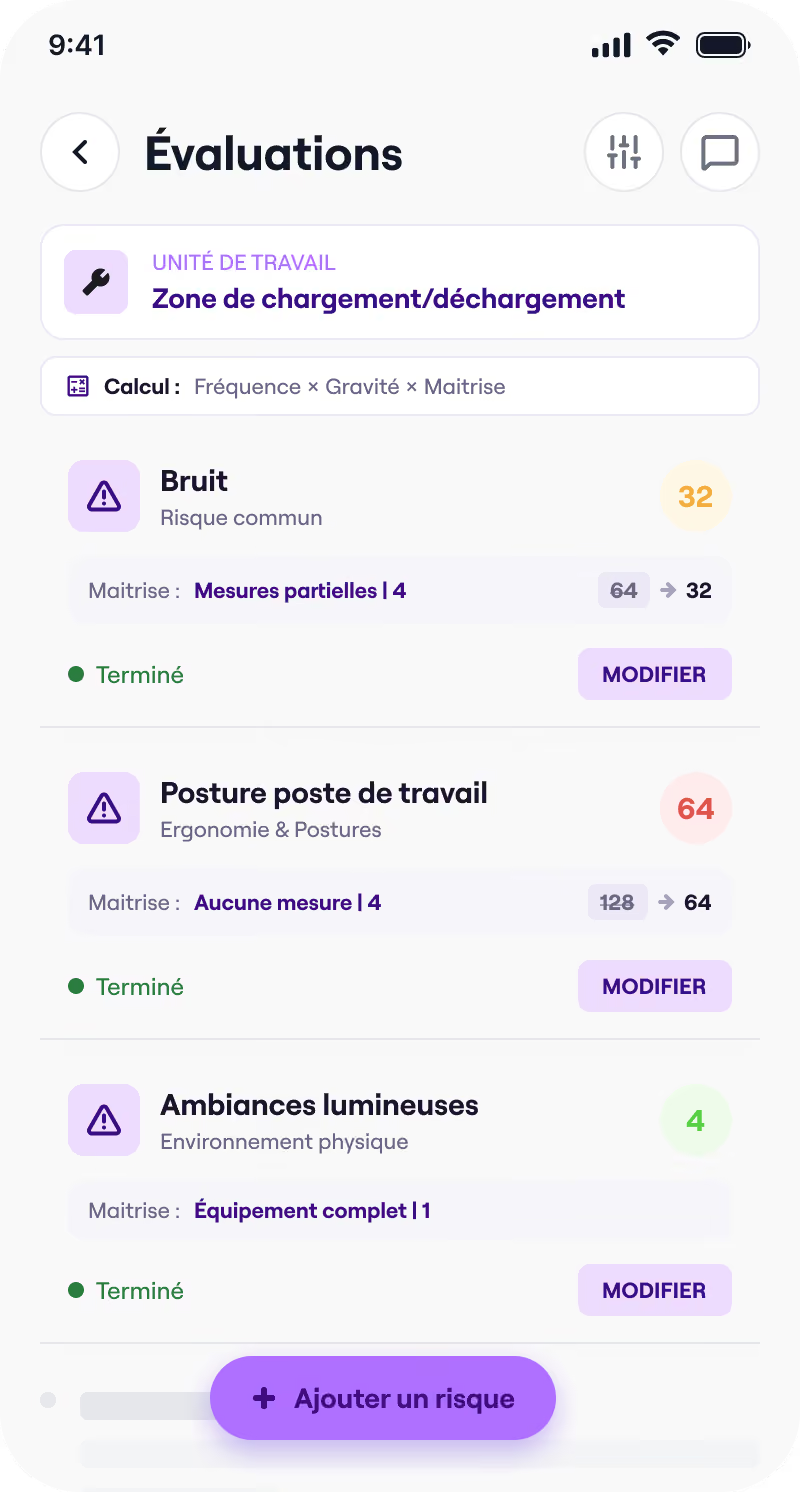

DUERP
Risk ratings, PAPRIPACT, reassessments: manage your occupational risks and your action plan from a single workspace.
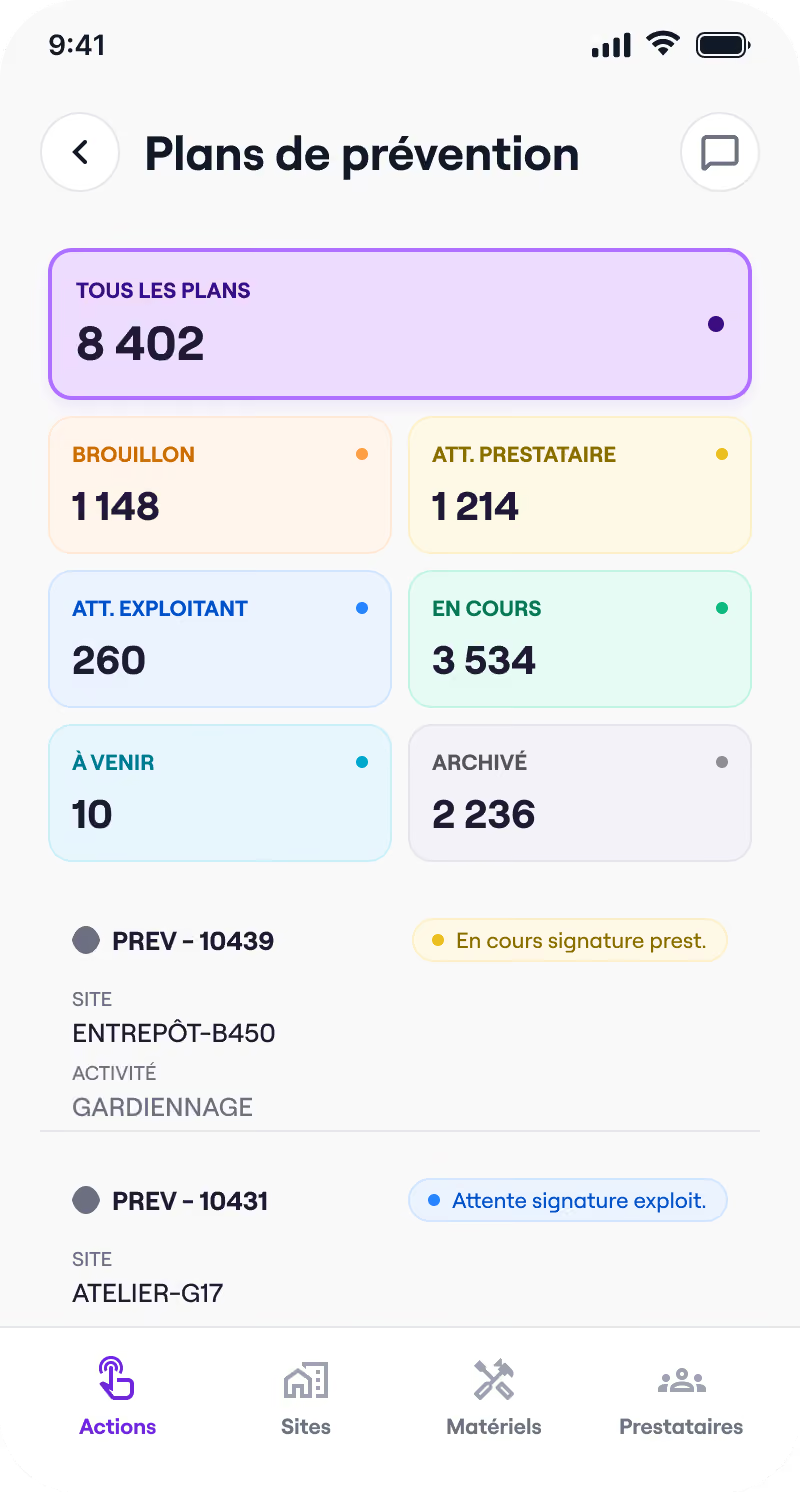

Prevention plan
Templates, guided completion, electronic signature: co-build your prevention plans with your service providers, remotely.
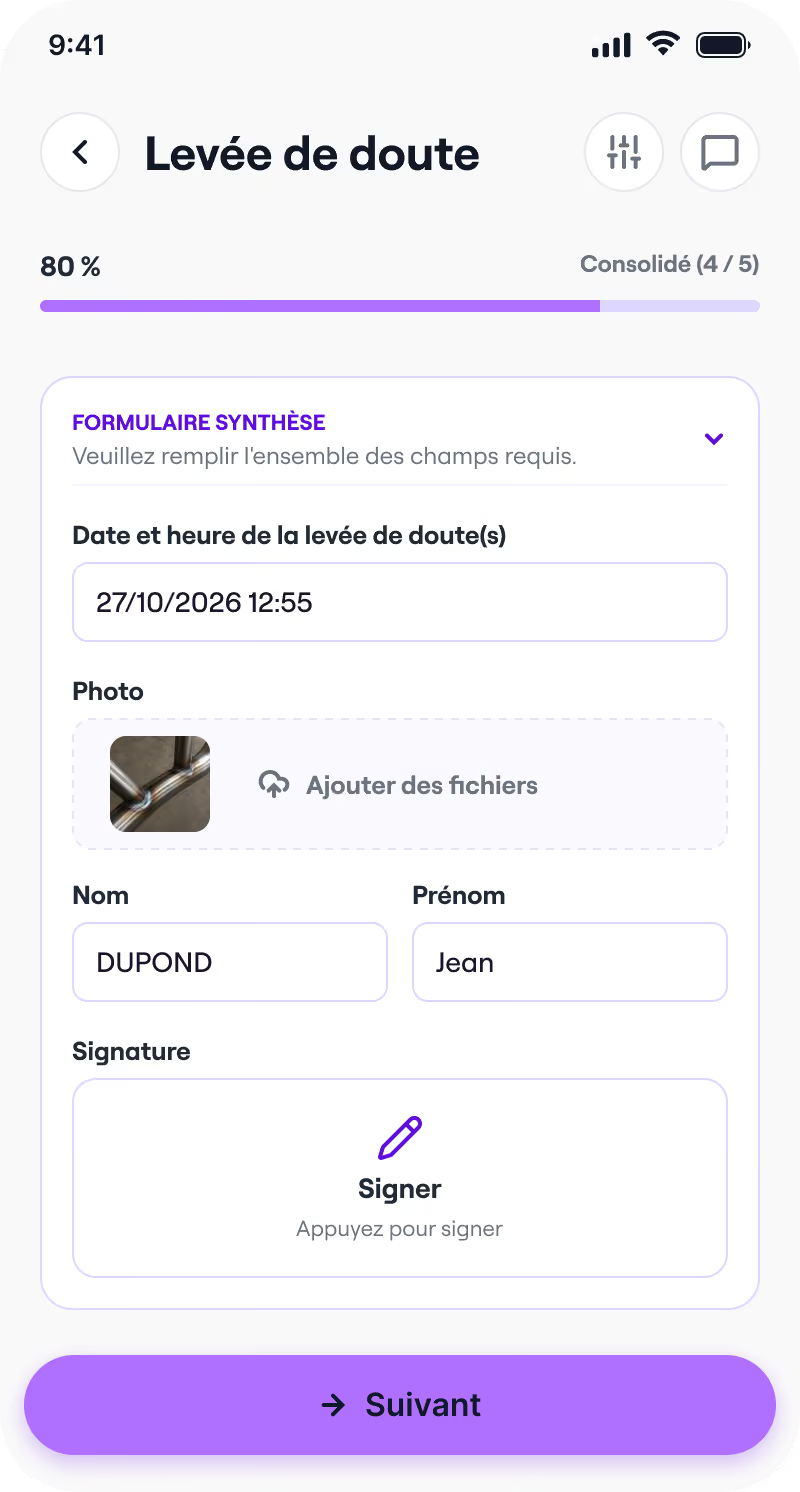

Fire permits
Templates, guided completion, mobile signature: issue and archive your fire permits before every hot-work intervention.
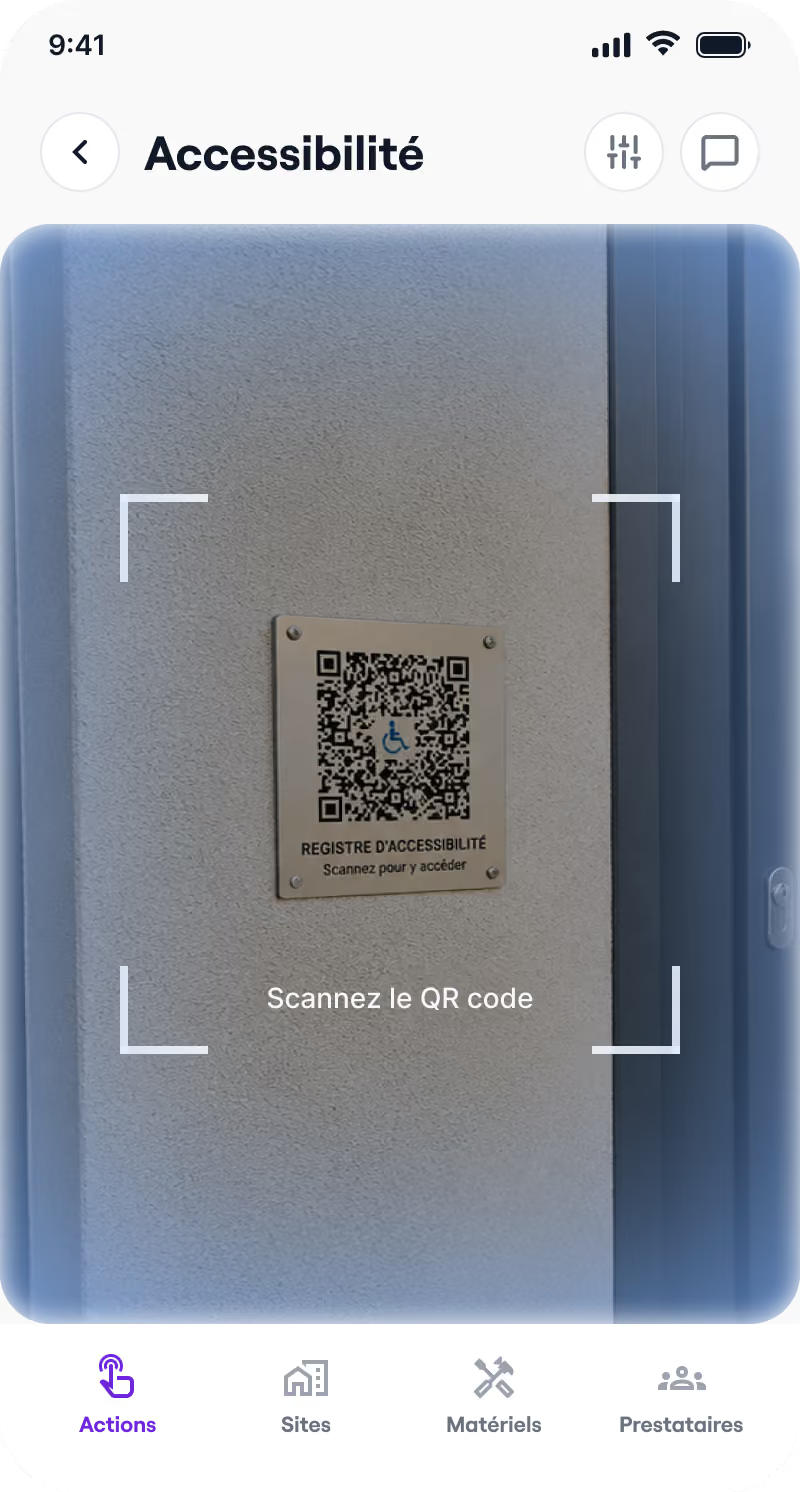

Accessibility register
Ready-to-use templates, guided completion, QR code sharing: keep your public accessibility register up to date.
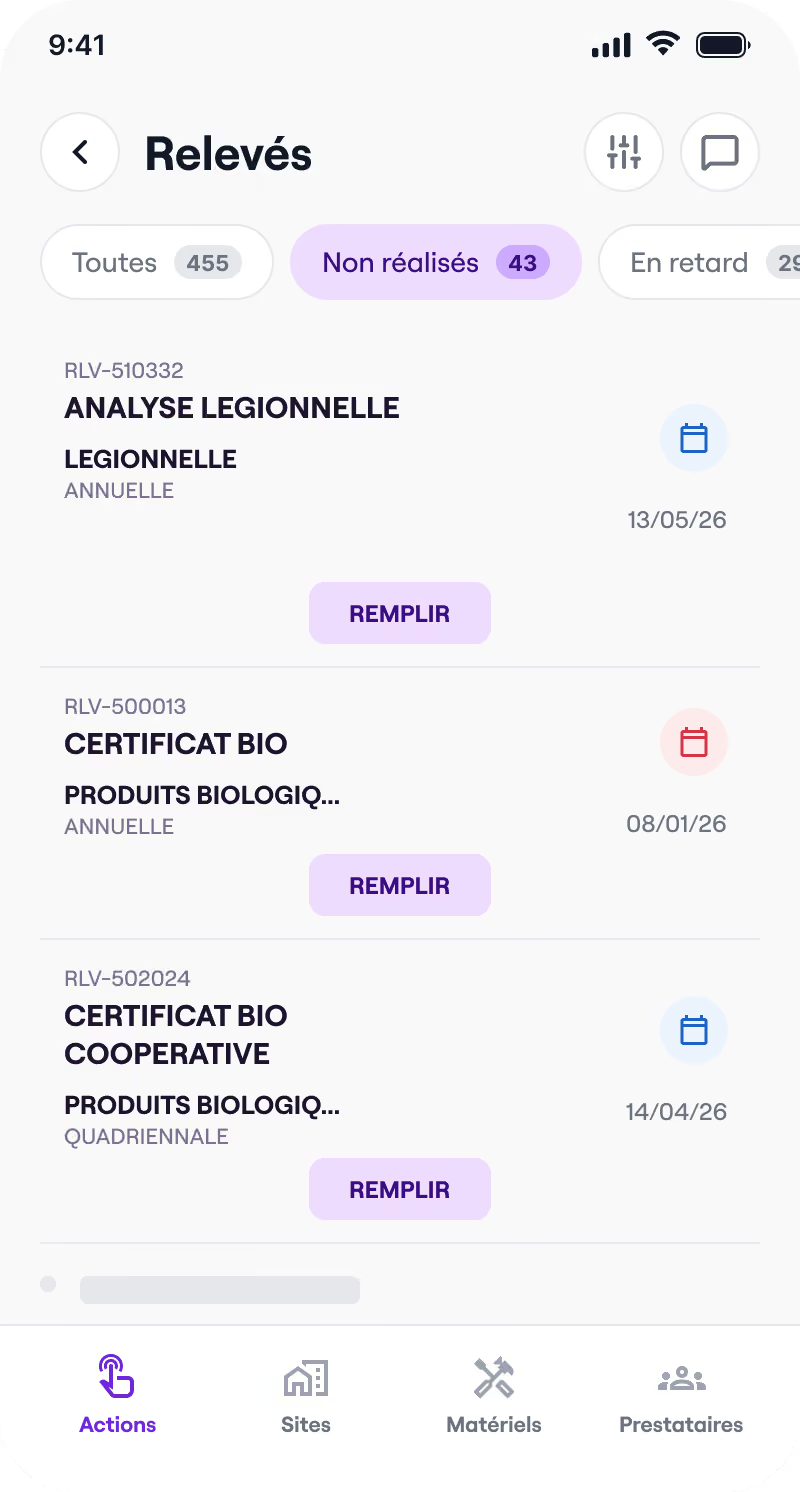

Health booklet
Control categories, readings, signatures: track your health booklet and your analyses, on site or remotely.
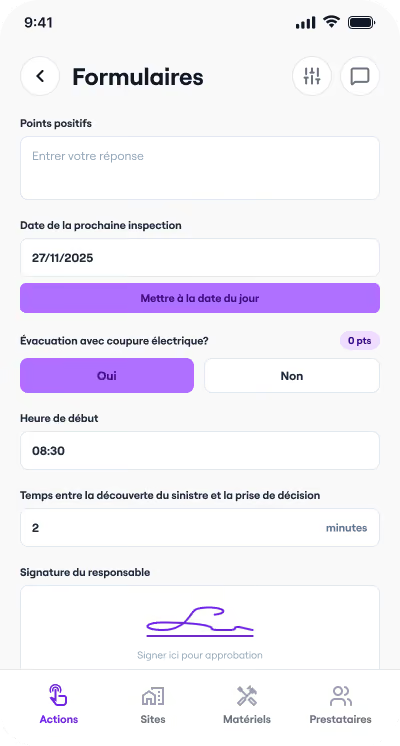

Forms
Create your own custom inspection forms, fill them in on the go and export them in one click.